
Claim and complete your Google Business Profile and Things to do listing, then fix your tour booking page so it converts the traffic you already get: those two moves deliver the fastest visibility-to-booking lift. Everything else, content, social, reviews, and paid ads, works better once those foundations are in place. This guide walks through the full system in the order that produces results.
TL;DR:
- Claim and optimize your Google Business Profile and Things to do listing, ensuring your booking page is clear, fast, and mobile-friendly to convert traffic into bookings.
- Target specific long-tail keywords for each tour page, incorporate structured data, and use structured content to improve local search visibility and rank for destination-specific queries.
- Collect and display recent, detailed reviews promptly after tours, responding to negative feedback and showcasing reviews on your website to increase trust and search ranking.
- Use short-form videos and partner with local micro-influencers via trackable discount codes to generate credible content that shortens the path to purchase on social platforms.
- List your tours on travel marketplaces like Im-at with accurate availability and real photos, leveraging optional boosts to increase exposure during slow periods or launch phases.
Table of Contents
- Why sequence matters: discovery, trust, and conversion
- SEO and Google visibility: keywords, schema, and Things to do
- Content that answers questions before travelers book
- Social platforms and creator partnerships that drive bookings
- Turning guest reviews into visibility and trust
- Paid promotion: matching the ad to the intent
- Fixing the booking page so visibility turns into revenue
- Listing on Im-at to reach travelers already searching
- Email marketing strategies for tour promotion
- Leveraging user-generated content for tour marketing
- Mobile optimization for tour websites and booking platforms
- Optimizing for voice search and virtual assistants relevant to tours
- The 90-day plan we recommend for small teams
- List your tour on a travel marketplace and grow your reach
- Sources
- FAQ
Why sequence matters: discovery, trust, and conversion
Every channel that touches a potential guest is doing one of three jobs: getting found, building confidence, or closing the booking. Search and Google Business Profile own discovery. Reviews, photos, and clear pricing own trust. Your booking page owns conversion. Skip a step and the others underperform, no matter how much traffic you drive.
Tracking ties the whole system together. Without shared tracking across channels, you cannot tell whether a booking came from an Instagram Reel, an organic search result, or a Google Things to do click, so budget gets wasted on the wrong lever.
- Local search and Google listings capture people actively looking for something to do.
- Reviews and clean pricing turn a curious click into confidence.
- A frictionless booking page turns confidence into a completed sale.
- Email and retargeting bring back the people who almost booked.
SEO and Google visibility: keywords, schema, and Things to do
Ranking for a broad term like "walking tour" is nearly impossible for a small operator. Ranking for "sunset kayak tour Knysna lagoon" is realistic, and that is the kind of destination-plus-activity long-tail phrase your tour pages should target.
- Write one page per tour, using the destination and activity type in the title, headings, and first paragraph.
- Add structured data:
Eventschema for scheduled departures,AggregateRatingonce you have genuine reviews, andLocalBusinessfor your operating details. - Claim your Google Business Profile and add Tickets or Activities, which lets tour operators surface bookable listings directly on Search and Maps.
- If you run more than a handful of tours, look at Things to do ads, a paid format Google runs alongside organic listings; Google recommends working with a connectivity provider for feed integration if you represent fewer than 100 operators.
A connected system linking SEO, Google Things to do, content, and tracking produces stronger results than any single channel worked in isolation, according to Percepture's framework for tour operator marketing. Schema and a complete Business Profile are the parts of that system with the lowest cost and the fastest setup time.
Content that answers questions before travelers book
An itinerary page that spells out pickup times, what is included, fitness level, and what happens if it rains answers the exact questions a traveler types into search before committing. That kind of page also does double duty with AI search tools, which favor content written as direct answers rather than marketing copy.
- Publish a "what to expect" page for each tour covering timing, inclusions, and cancellation terms.
- Write a short "hidden gems near [destination]" post to catch early-stage research before big booking sites dominate the results.
- Structure FAQs as literal questions and answers, since travel search is shifting toward conversational, intent-led queries that AI assistants pull directly from well-formatted pages.
- Turn each itinerary page into a 30-second video and a two-line email snippet instead of writing three separate pieces of content from scratch.
Pro Tip: Write your FAQ section as if someone will read only that section out loud, because that is exactly what a voice assistant or AI overview does.
Social platforms and creator partnerships that drive bookings
Short-form video is where most travel inspiration starts now. A 15 to 30 second clip showing the best moment of a tour, the view, the wildlife encounter, the local market, does more to sell the experience than a polished brochure photo.
- Post two to three short videos a week during your season, prioritizing the single best visual moment over a full recap.
- Partner with local micro-influencers using a trackable discount code so you can measure exactly what they generate.
- Add the booking link directly in the bio or as a pinned comment so nobody has to search for it.
- Repost guest-created content with permission, since it reads as more credible than brand-produced footage.
Reports on traveler behavior show creator content shortens the path to purchase, but only when the booking link is one tap away and the price shown matches what the guest pays.
Turning guest reviews into visibility and trust
Reviews influence both your ranking in local search and whether a browsing visitor decides to book. A five-star rating with three reviews barely helps. A steady stream of recent, detailed reviews does.
- Send a review request within 24 hours of the tour ending, while the experience is still fresh, with a direct link to your Google listing.
- Keep the ask short: thank the guest, mention one detail from their specific tour, and link to where they can leave a rating.
- Display recent reviews on the tour page itself, not just on your Google profile, so hesitant browsers see proof without leaving the page.
- Respond to every negative review within a few days, acknowledge the specific issue, and keep pricing and inclusions transparent so complaints about "hidden costs" do not recur.
Reputation management in hospitality follows the same logic across the industry: reviews are one of the strongest trust signals guests rely on before they hand over payment for an experience they cannot preview firsthand.
Paid promotion: matching the ad to the intent
Paid spend works when it matches what the searcher actually wants. Someone searching "book kayak tour tomorrow" is ready to buy. Someone searching "things to do in [region]" is still browsing.
- Use Things to do ads and local search ads for high-intent, book-now queries close to the activity date.
- Use broader local advertising or social boosts for inspiration-stage browsers who are not ready to commit yet.
- Track cost per booking, not just cost per click, so you know which campaigns are actually profitable.
- Watch assisted conversions in your analytics, since a paid ad often gets the click but a review or an email brings the actual booking.
Local event promotion platforms recommend a similar split, pairing targeted local ads with organic listing visibility rather than relying on either alone.
Fixing the booking page so visibility turns into revenue
None of the traffic above matters if the booking page loses people at the last step. The essentials are simple: clear inclusions, a visible price with no hidden fees, real availability, an obvious call-to-action button, an FAQ section, and several real photos of the actual experience rather than stock imagery.
- Set up GA4 and Google Search Console so you can see which pages and queries bring visitors.
- Add booking-confirmation events to GA4 so a completed purchase, not just a page view, counts as the goal.
- Check that cross-domain tracking works correctly if your booking engine lives on a different domain than your main site.
- Review assisted-conversion reports regularly, since a minimum tracking stack of GA4, Search Console, and booking or call tracking is what makes ROI measurement possible, according to Percepture's tracking recommendations for tour operators.
Listing on Im-at to reach travelers already searching
A marketplace that functions as both a search engine and a booking portal for tours, safaris, city excursions, and outdoor adventures provides a complete listing that serves as a direct visibility move rather than a side project.
- Fill in a specific title, full itinerary, and real photos rather than generic stock images.
- Keep availability and pricing current, since an outdated calendar loses bookings even after a traveler finds the listing.
- Consider an optional Boost when you want extra exposure during a slow booking period or a new tour launch.
- After listing, watch views, clicks to your booking page, and conversion rate to see which parts of the listing need work.
Email marketing strategies for tour promotion
Email remains one of the cheapest ways to bring past browsers and past guests back to book again. The list you build from your booking page and post-tour follow-ups is an asset you own, unlike social reach, which a platform algorithm controls.
Start with two lists: people who inquired but did not book, and people who completed a tour. The first group needs a gentle nudge, a reminder of availability or a small time-limited incentive tied to an upcoming date. The second group is your best source of repeat business and referrals, so send them a thank-you note with a review request, followed later by a seasonal update when new tours or dates open.
Keep the emails short and specific. A message with one clear tour, one clear date range, and one clear button outperforms a newsletter packed with five offers. Segment by past activity type when you can, since someone who booked a food tour is a better prospect for a cooking class than for an adventure sport they never asked about.
Automate what you can. A welcome email when someone joins your list, a post-tour thank-you and review request, and a pre-season reminder to past guests can all run without daily attention once they are set up. That leaves your time for writing the occasional seasonal email that highlights a new itinerary or a limited-availability date, which tends to get the highest open rates because it feels timely rather than routine.
Leveraging user-generated content for tour marketing
Photos and videos from actual guests carry more weight than anything a business posts about itself, because they show the real experience rather than a curated version of it. A tour operator does not need a production budget to use this: the content already exists on guests' phones.
Ask for permission at the end of the tour, in person, while the experience is still positive. A simple line, asking if you can repost their photo or video with credit, works better than a follow-up email days later when the moment has passed. Create a simple hashtag or tag your account so guests can share easily, and check that tag regularly for content worth featuring.
Use that content on your tour pages, in your Google Business Profile posts, and in your social feed, always with credit to the original guest. A candid photo of a group laughing on your tour often converts better on a booking page than a professional shot, because it reads as proof rather than promotion.
Encourage it actively rather than waiting for it to happen. Mention at the start of the tour that photo moments are coming up, or point out a great photo spot along the route. Guests who are prompted to capture a moment are more likely to post it, tag you, and extend your reach to their own network at no cost to you.

Mobile optimization for tour websites and booking platforms
Most travel research and a large share of bookings now happen on a phone, often while someone is already at their destination deciding what to do that day. A tour page that loads slowly or requires pinching and zooming loses that guest to a competitor's listing within seconds.
Check your page load speed on mobile specifically, not just on desktop, since images and scripts that feel fine on a laptop connection can crawl on hotel wifi or mobile data. Compress photos, avoid autoplay video that eats bandwidth, and keep the booking button visible without scrolling.
Make the booking form itself mobile-friendly: large tap targets, a date picker that works with a thumb, and as few required fields as possible. Every extra field or confusing dropdown on a small screen is a chance for someone to give up and close the tab. Test the entire booking flow on your own phone regularly, from finding the tour to receiving a confirmation, since that is the exact path a real guest will follow.

Optimizing for voice search and virtual assistants relevant to tours
Voice search and AI assistants tend to read out a single direct answer rather than a list of links, which changes how tour content should be written. A guest asking a smart speaker or an AI assistant "what's a good sunset tour near me" wants one clear, spoken-friendly answer, not a page full of marketing language.
Write your FAQ and itinerary sections as plain, conversational answers to the questions travelers actually ask: how long the tour runs, what to bring, whether it is suitable for kids, what the cancellation policy is. This matches the shift toward conversational, intent-led search behavior documented in recent travel search research, where assistants pull answers directly from well-structured content rather than sending users to click through a list of results.
Keep your Google Business Profile details current, since voice assistants often pull hours, location, and contact details straight from that listing. A mismatch between your website and your profile, like an outdated phone number or wrong hours, can mean the assistant reads out the wrong information to a potential guest standing nearby and ready to book.
The 90-day plan we recommend for small teams
Month one: claim and complete your Google Business Profile and Things to do listing, fix your booking page, and set up basic GA4 tracking. Month two: build out itinerary content and automate review requests. Month three: run small paid tests and one or two creator partnerships, then double down on whatever performs.
— Mikahil
List your tour on a travel marketplace and grow your reach
Every tactic above works faster when your tours are visible in a place travelers already search for things to do. A travel marketplace that functions as both a search engine and a booking portal for guided tours, safaris, city excursions, and outdoor adventures can put your tour in front of travelers planning their trip right now.
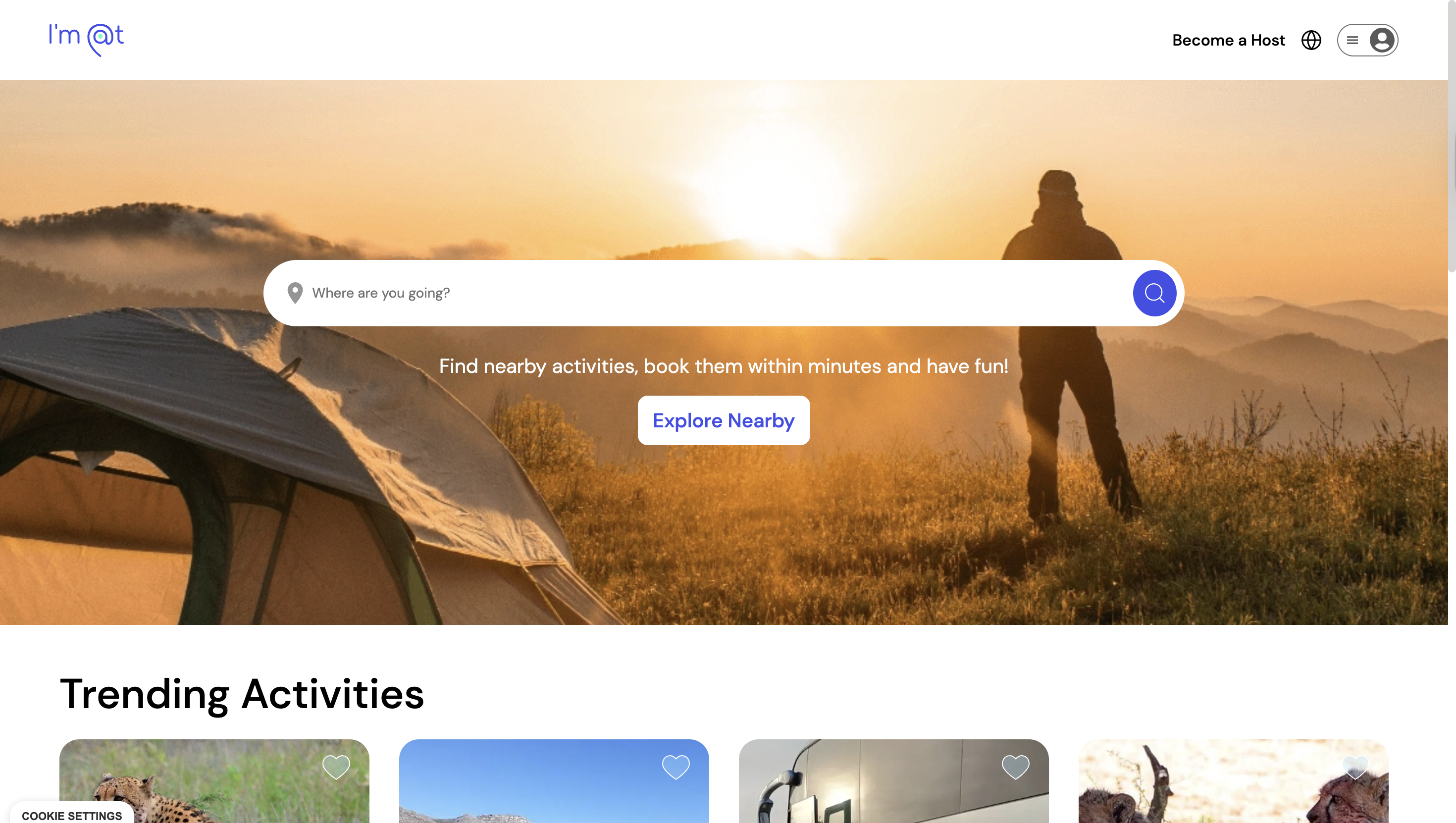
Start with three things: create your listing, upload real photos from an actual tour, and enable accurate availability so nobody sees a fully booked calendar by mistake. An optional Boost can add extra exposure during a launch or a slow stretch of the season. List your tour on Im-at and get it in front of travelers searching for their next experience.
Sources
- Manage your ticket & activity details - Google Business Profile Help
- Digital Marketing For Tour Operators: Search Growth Guide - Percepture
- Industry report: The State of Search in Travel 2025 - Minty Digital
FAQ
How do I increase my visibility as a tour operator?
Start by claiming and completing your Google Business Profile with Tickets or Activities enabled, then fix your booking page so inclusions, pricing, and availability are clear. From there, layer in content, reviews, and social to reinforce the traffic you are already capturing.
How can I increase my tour's visibility on social media?
Post short-form video showing the single best moment of the experience two to three times a week, and keep a direct booking link in your bio or pinned comment. Partnering with local micro-influencers using a trackable discount code helps you measure what actually drives bookings.
What is the fastest way to improve online visibility for a small tour business?
Claiming your Google Business Profile and adding Tickets or Activities is the fastest move, since it puts your tour directly in Search and Maps results. Pairing that with a clear, fast-loading booking page turns the extra visibility into completed bookings rather than lost clicks.
How do I get more reviews for my tour business?
Send a review request within 24 hours of the tour ending, while the experience is still fresh, with a direct link to your listing. Displaying recent reviews on the tour page itself, not just on your Google profile, helps convince hesitant browsers to book.
Does listing on a marketplace like Im-at actually help visibility?
Yes, because a travel marketplace that works as both a search engine and booking portal for tours and activities can put your tour in front of travelers already searching for things to do in that location. Keeping photos, pricing, and availability current, and using optional promotional features during a launch or slow period, helps the listing get found faster.