
A missing booking confirmation almost never means your reservation failed. In most cases the email is sitting in spam, went to a mistyped address, or is just running behind schedule. Your first move: check your spam and promotions folders, then log into the booking site's "Manage Booking" page or pull up your bank statement for proof of the charge.
TL;DR:
- Most missing booking confirmations are due to emails in spam folders, typos in email addresses, or system delays up to 72 hours, not failed reservations.
- Using the provider's "manage booking" system with your reference number and last name often reveals the reservation and allows resending confirmation emails.
- A confirmed charge on your bank statement reliably proves the booking went through, even if no email confirmation has arrived.
- Creating an account on the booking site and saving confirmation screenshots immediately prevents future email retrieval issues.
- Relying on your online account and transaction proof is the fastest way to resolve confirmation issues without unnecessary support calls.
Table of Contents
- What To Do When Your Booking Confirmation Is Missing
- How Do I Check My Booking Status Directly?
- I Was Charged but Never Got a Confirmation: What Now?
- What Information Should You Give Support?
- How Can You Prevent This Next Time?
- How Im-at Handles Missing Confirmations
- A Calm, Verification First Approach Actually Wins
- Keep Your Bookings Where You Can Actually Find Them
- Sources
- FAQ
What To Do When Your Booking Confirmation Is Missing
Work through this checklist in order. Most people find their confirmation within the first three steps.
- Search your inbox properly. Search for the provider's name, your destination, or any partial booking reference you remember, not just "confirmation."
- Check every folder, not just the inbox. Gmail's Promotions and Updates tabs swallow a huge number of travel emails, as does the general spam folder.
- Verify the email address you actually typed at checkout. A missing period, a swapped letter, or an autocomplete mistake ("gmial.com" instead of "gmail.com") is one of the most common reasons a booking confirmation email is not received at all.
- Log into "My Bookings" or "Manage Booking" on the provider's site. Look for a "resend confirmation" or "email voucher" button, usually sitting right next to your reservation details.
- Check your browser history. The final booking confirmation page you landed on right after paying often has your reference number, and it may still be sitting in your recent tabs or history.
- Pull up your bank or card statement. A posted charge from the merchant is solid proof a transaction went through, even without an email.
Confirmations can genuinely take up to 72 hours to land in your inbox depending on the provider's system, so don't panic in the first hour.
Pro Tip: Before you close the browser tab after any booking, take a screenshot of the final confirmation screen. It takes ten seconds and saves you this entire troubleshooting process later.
How Do I Check My Booking Status Directly?
Every airline, hotel, and tour platform runs some version of the same "manage booking" system, and knowing the pattern saves you a support call.
- Go to the provider's website or app and find "Manage Booking," "My Trips," or "My Bookings."
- Enter your booking reference (also called a PNR for flights) plus your last name or the email address used at checkout.
- If the reservation appears, copy the booking reference immediately and take a screenshot of the full itinerary.
- Look for a "Resend Confirmation" or "Email Itinerary" button. Airlines like Jetstar and hotel platforms build this feature in specifically because missing emails are so common.
If you don't have the booking reference, check:
- The payment confirmation page your card issuer or PayPal sent
- Any text message the provider may have sent instead of email
- Your browser's autofill history for the booking site
A booking reference plus valid photo ID is often enough to check in or board even without the original email, since the reference number itself is the proof of your reservation. Don't let a missing inbox message convince you the trip is off.
I Was Charged but Never Got a Confirmation: What Now?
A successful charge on your statement is strong evidence your booking went through, even with zero emails to show for it. Consumer-advocacy cases document travelers charged in full by online travel agencies that never sent a confirmation at all, which means you should never assume no email equals no booking.
To build your case with support, collect:
- The exact charge amount and transaction date
- The transaction ID or authorization code from your bank
- The last four digits of the card used
- A screenshot of the statement line itself
If a provider confirms the booking exists, ask for a resend rather than a refund. Refunds cancel a trip you may still want. Only push for a dispute or refund through your card issuer if the provider cannot locate any record of the charge within their own system after you've given them the transaction details.
What Information Should You Give Support?
Support agents move faster when you hand them everything up front instead of making them ask three follow up questions.
Have this ready before you call or start a chat:
- Booking reference, if you have any partial version of it
- Full name exactly as entered at booking
- Email address used at checkout
- Card's last four digits, transaction date, and amount
Ask directly: "Can you resend my confirmation to this email?" and "Can you confirm my booking status and cancellation terms?" Request a ticket number for every interaction, and if the first agent can't resolve it, ask to escalate and note the supervisor's name.
Pro Tip: Write down every ticket number and agent name as you go. If you need to dispute a charge later, that paper trail is what convinces your bank you tried to resolve it directly first.
How Can You Prevent This Next Time?
A few habits at booking time eliminate most of these headaches before they start.
- Double check your email address character by character before you hit "pay," not after.
- Screenshot or save the final confirmation page as a PDF the moment you see it.
- Whitelist the provider's sending domain so future emails skip spam and Promotions folders entirely.
- Create an account on the booking site instead of checking out as a guest, so every reservation lands under "My Bookings" automatically.
- Keep a dedicated travel folder or notes app for booking references. It sounds excessive until you're standing at a check-in counter searching your inbox.
If you're staying somewhere with amenities you need confirmed, it's also worth contacting the property directly to verify details rather than relying on the email alone.
How Im-at Handles Missing Confirmations
Every booking is tied to a user account rather than relying on a single email that can bounce or land in spam. Opening "My Bookings" shows reservations, vouchers, and provider details, which can be resent on demand.
- Vouchers can be re-emailed instantly from the account dashboard
- Provider contact details stay attached to the listing, so you're never guessing who to call
- The booking workflow shows exactly what to check at each step, from payment to voucher delivery
If an email never shows up, the fix is often opening your account and clicking "resend."
A Calm, Verification First Approach Actually Wins
Most missing confirmations trace back to three things: a bounced delivery, a typo in the email field, or a system running slow on a busy day. None of those mean your trip is canceled. The habit that saves people the most stress is boring but effective: screenshot the confirmation page, note the reference number, and check your bank statement before assuming the worst. If you were charged and can't get a straight answer after a reasonable wait, your bank's dispute process is a real backstop, not a last resort to feel guilty about using.
— Mikahil
Keep Your Bookings Where You Can Actually Find Them
Losing a confirmation email is frustrating precisely because so much of the trip depends on that one message. Im-at solves the root problem instead of patching around it: every activity you book gets saved to your account, so your voucher, provider contact, and booking details live in one place you control, not in an inbox that can misfile things.
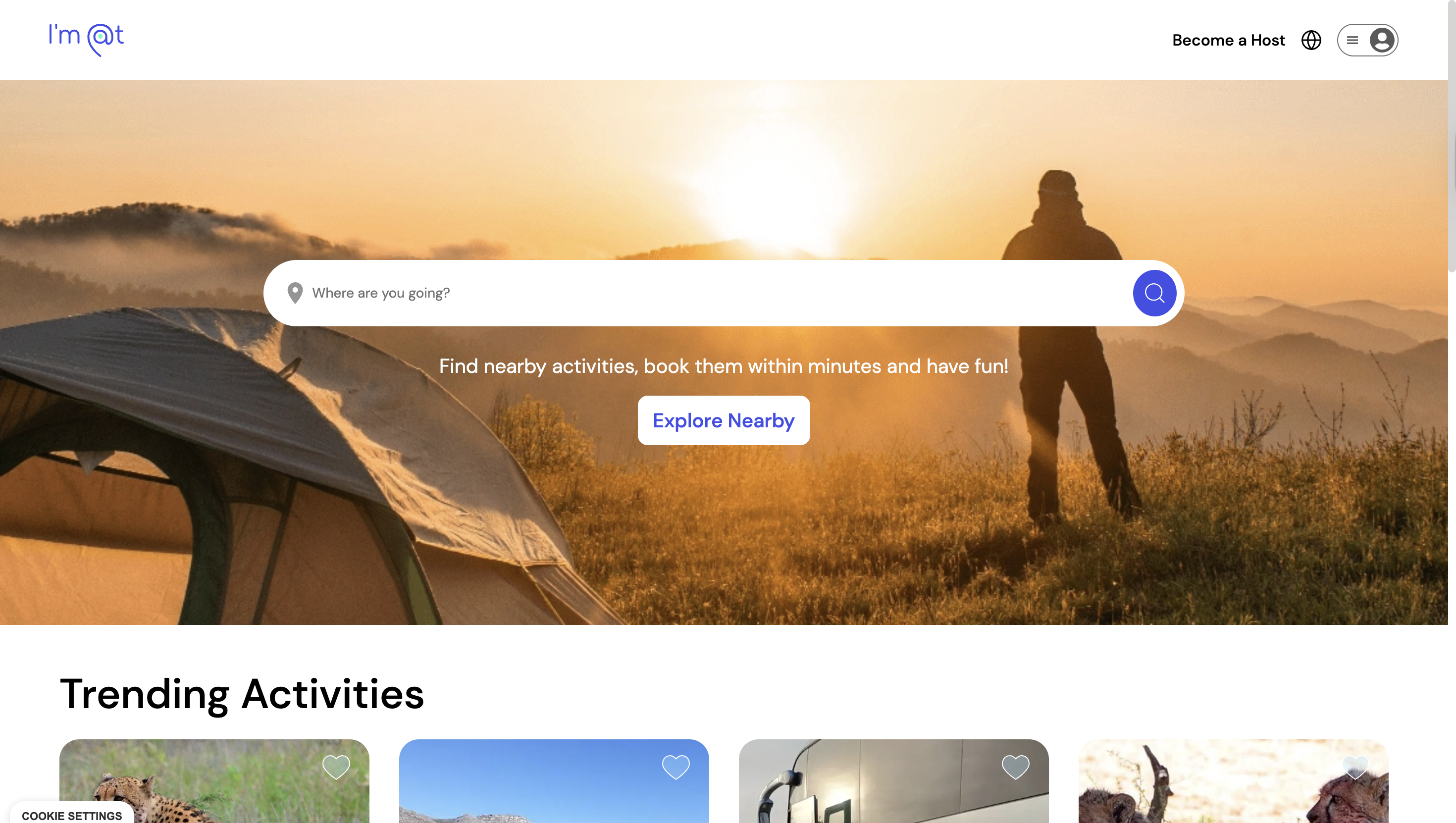
Browse a listing like the private excursion in the Algarve to see exactly how a confirmation appears once you book, then check your own "My Bookings" page any time you need a voucher resent or want to message a provider directly. If you're planning something more specialized, the private photography excursion in the Algarve works the same way. Create an account, book your next activity, and open "My Bookings" whenever you need that confirmation again. No inbox archaeology required.
Sources
- Where is my booking confirmation? – trivago Help Centre
- My online travel agency never sent me a confirmation. Do I still have to pay? — Elliott Advocacy
- Finding your itinerary | Jetstar
- What if I don't receive a booking confirmation email after ... — Flight Network
FAQ
What Do I Do if I Didn't Receive a Confirmation Email?
Check your spam and promotions folders first, then log into the provider's "manage booking" page using your reference number or the email you used at checkout.
Why Isn't My Flight Confirmation Showing Up?
It's usually a mistyped email address, a delivery delay of up to 72 hours, or a spam filter catching the message before you see it.
How Can I Check if My Booking Is Confirmed?
Use the airline or provider's "manage booking" tool with your reference and last name, or check your bank statement for a posted charge, which confirms the transaction went through.
Why Didn't I Get a Confirmation Email for My Flight?
The most common causes are an incorrect email entered at booking, an overloaded spam filter, or a system delay on the provider's end, all of which are usually fixable through the airline's support team or resend feature.
How Long Should I Wait Before Contacting Support?
Give it up to 72 hours for standard delivery delays, but if you've checked every folder and your bank statement shows a charge, contact support right away rather than waiting further.